

Zebra printers are built for high-volume, high-accuracy printing in environments where downtime is not an option. Unlike regular office printers, they are designed to perform reliably in retail, logistics, manufacturing, healthcare, and warehousing.
In these settings, printers play a direct role in everyday tasks such as inventory tracking, shipping, patient identification, barcode scanning and labeling. When a printer stops working or prints incorrectly, work slows down almost immediately.
Managing Zebra printers at scale adds another layer of complexity. With hundreds or thousands of devices across locations, manual checks do not scale. Configurations become inconsistent over time, firmware updates are often delayed, and troubleshooting turns reactive and costly.
This is why dedicated Zebra printer management software is essential.
In this blog, we cover the four best Zebra printer management software solutions for 2026, the key features to look for, and how the right platform can improve reliability and operational efficiency.
What is a Zebra printer?
A Zebra printer is a label and receipt printer made by Zebra Technologies for printing barcodes, labels, receipts, tags, and other business documents. Zebra printers are commonly used in retail, warehouses, manufacturing, healthcare, transportation, and logistics because they support fast, reliable printing for high-volume business operations.
Key features to look for in a Zebra printer management software
- Real-time printer monitoring: Continuous visibility into printer status, connectivity, battery levels, firmware versions, usage patterns, and error states. This allows IT teams to detect and resolve issues early without physical checks or frontline escalation.
- Device grouping and profile-based control: Printers can be grouped by location, role, or workflow. Group-based policies ensure consistent configurations and prevent drift across large printer fleets.
- Centralized printer configuration and policies: Critical settings such as print speed, density, label size, margins, sleep behavior, and Bluetooth access can be configured remotely, reducing printing errors and ensuring consistent output.
- Firmware Over-the-Air (FOTA) updates: Remote, staged Firmware Over-the-Air (FOTA) updates keep printers secure and stable without disrupting operations or creating version inconsistencies across locations.
- Real-time communication using MQTT: Lightweight, secure communication enables real-time monitoring, configuration changes, and firmware delivery even in low-bandwidth or remote environments.
- Device inventory and operational insights: A unified inventory view provides insight into printer health, firmware status, battery condition, network details, and usage metrics, supporting proactive maintenance and lifecycle planning.
- Remote actions and maintenance: IT teams can perform actions such as test prints, reboots, resets, policy updates, and log retrieval remotely, reducing on-site visits and speeding up issue resolution.
Top 4 Zebra printer management solutions in 2026
1. Scalefusion
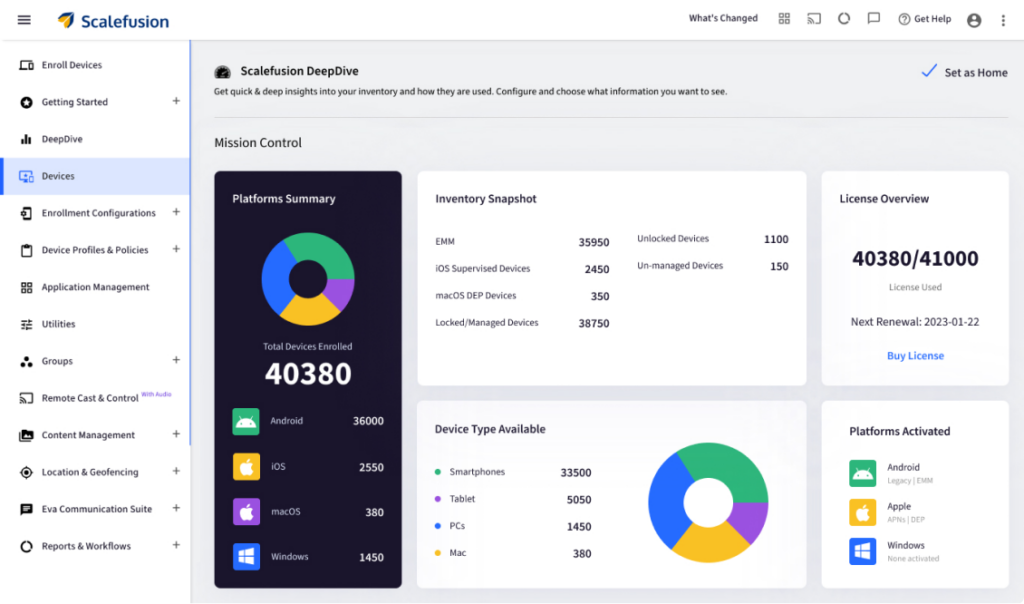
Scalefusion is a unified endpoint management platform that extends device management capabilities to include Zebra printers. Rather than treating printers as isolated peripherals, Scalefusion brings them into the same management framework used for other enterprise endpoints.
Scalefusion enables centralized monitoring, configuration, and maintenance of Zebra printers across locations. IT teams gain real-time visibility into printer health and performance, helping them identify issues before they impact frontline operations. The platform supports remote configuration, printer firmware updates, and policy enforcement without requiring physical access to devices.
A key strength of Scalefusion is its use of MQTT-based communication, which enables lightweight, secure, and reliable real-time interaction between printers and the management console. This makes it well-suited for distributed environments where network conditions may vary.
By managing Zebra printers alongside other endpoints from a single dashboard, Scalefusion helps organizations reduce tool sprawl and simplify operations.
Key features:
- Real-time printer monitoring: View live Zebra printer status, health, connectivity, and errors from a centralized dashboard.
- Centralized configuration and policies: Apply consistent printer settings across locations to prevent configuration drift.
- Firmware over-the-air (FOTA): Roll out staged firmware updates remotely without disrupting daily operations.
- MQTT-based communication: Enable lightweight, real-time communication between printers and the management platform.
- Unified management dashboard: Manage Zebra printers alongside other enterprise endpoints from a single console.
- Remote troubleshooting: Perform actions like reboots, test prints, and log retrieval without on-site intervention.
Pros:
- Unified platform for printers and devices
- Centralized visibility and control
- Scales well across distributed environments
2. Omnissa Workspace ONE
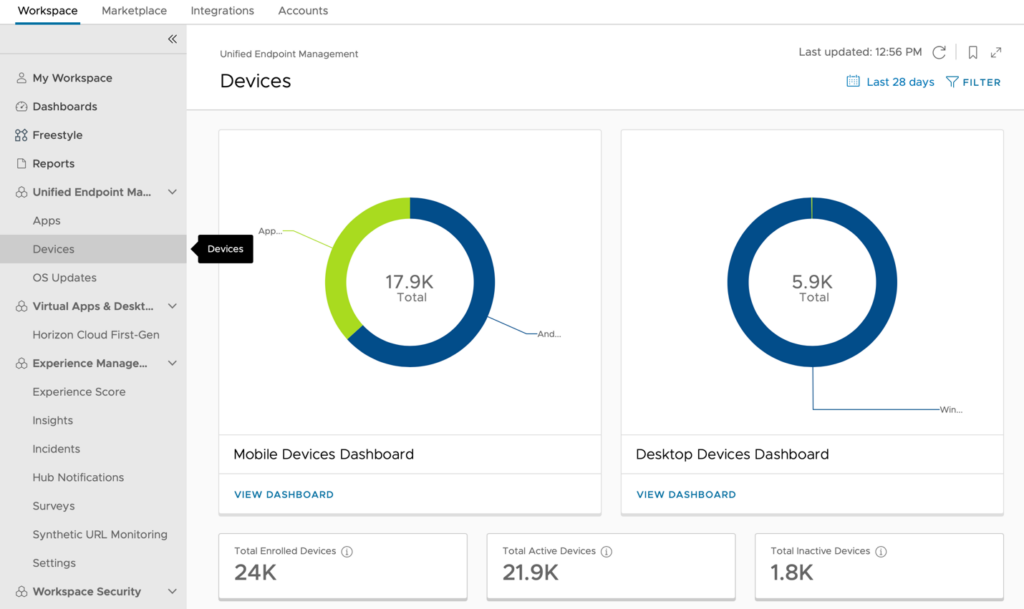
Omnissa Workspace ONE is an enterprise-grade Unified Endpoint Management solution that supports Zebra printer management through integration with Zebra’s AirWatch Connector.
Workspace ONE allows organizations to discover, enroll, and manage Zebra printers within the same console used for other enterprise endpoints. IT teams can monitor printer status, apply standardized configurations, and manage firmware and profiles centrally.
The platform is especially well suited for large enterprises that already rely on Workspace ONE for endpoint management. Its strength lies in deep integration with identity, security, and compliance frameworks, making it a strong fit for highly regulated environments.
However, its broad feature set and enterprise orientation can make implementation and ongoing management complex for smaller teams.
Key features:
- AirWatch Connector integration: Manage Zebra printers through a dedicated connector within the Workspace ONE ecosystem.
- Centralized printer monitoring: Track printer availability and status across enterprise environments.
- Profile-based configuration: Apply standardized printer profiles to maintain consistency across fleets.
- Firmware management: Control printer firmware versions and updates through centralized policies.
Pros:
- Strong enterprise capabilities
- Integrates with a broad endpoint ecosystem
Cons:
- Complex setup
- Higher cost for smaller teams
3. SOTI Connect
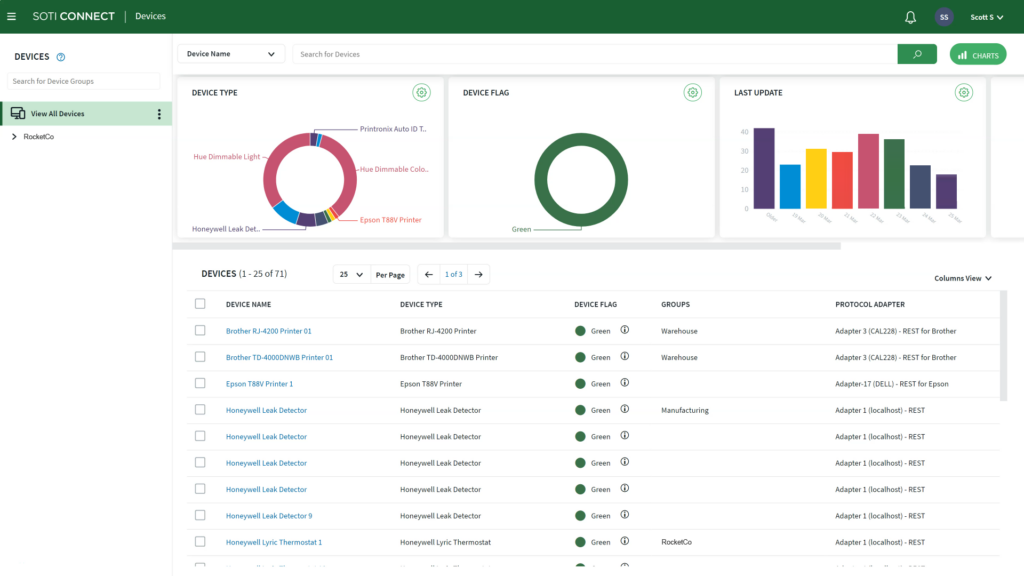
SOTI Connect is a specialized platform focused on managing IoT and industrial devices, including Zebra printers. It is designed for environments where printers operate alongside other connected and rugged hardware.
SOTI Connect provides centralized discovery, monitoring, diagnostics, and configuration for Zebra printer fleets. IT teams can push firmware updates remotely and automate maintenance tasks across large, distributed deployments.
The platform is often chosen by organizations with complex IoT environments and large printer fleets. While powerful, its depth and printer-centric design can introduce a steeper learning curve and higher costs.
Key features:
- Dedicated printer fleet management: Manage Zebra printers as first-class IoT devices at enterprise scale.
- Real-time diagnostics: Continuously monitor printer health, errors, and operational status.
- Remote firmware updates: Deploy firmware updates across distributed printer fleets from a central console.
- Automated maintenance workflows: Automate configuration and maintenance tasks for large printer deployments.
Pros:
- Strong printer-focused capabilities
- Designed for large, distributed deployments
Cons:
- Limited device management outside printers
- Higher costs
- Steeper learning curve for non-printer admins
4. 42Gears SureMDM
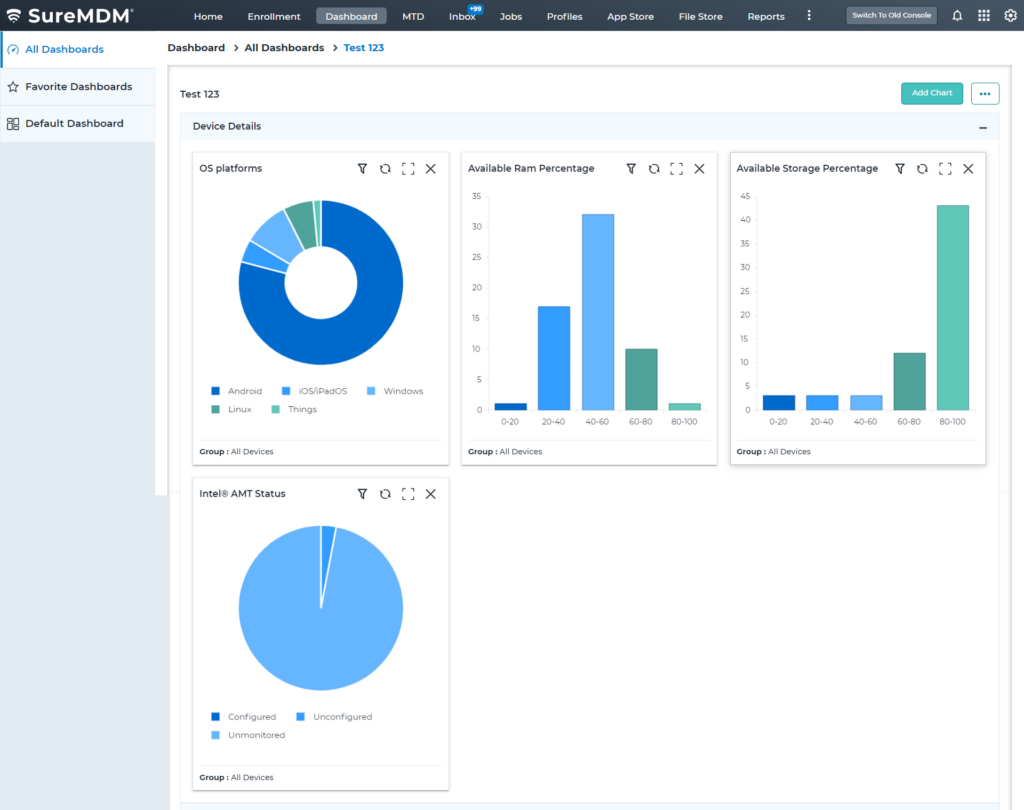
42Gears SureMDM is a broad UEM platform that supports Zebra printer management alongside a wide range of enterprise endpoints.
SureMDM allows IT teams to monitor Zebra printers, apply configurations, push firmware updates, and manage devices centrally. Its support for cloud, on-premises, and hybrid deployments makes it flexible for organizations with different infrastructure needs.
While its broad device coverage is a strength, organizations focused primarily on printer management may find the interface more complex than necessary.
Key features:
- Zebra printer monitoring: Gain centralized visibility into printer status and basic health metrics.
- Remote configuration management: Update printer settings and policies without physical access to devices.
- Firmware update support: Push firmware updates remotely to keep Zebra printers secure and stable.
- Centralized dashboard: Manage printers alongside other endpoints from a single management interface.
Pros:
- Broad device management support
- Flexible deployment options
Cons:
- UI may feel complex for printer-only use cases
Why is Scalefusion the best Zebra printer management software?
Zebra printers are used for everyday work. When one stops working, even briefly, it slows down tasks across teams. Most issues are not caused by a single failure, but by limited visibility, inconsistent settings, or delayed firmware updates.
Without a unified platform, printer management becomes reactive. Updates get postponed, configurations vary from one location to another, and troubleshooting often requires manual effort.
Scalefusion Zebra MDM helps teams manage Zebra printers from a single platform. IT teams get real-time visibility into printer health, can push firmware updates remotely, and apply standardized profiles across all locations. Zebra thermal printers can also be managed alongside other endpoints from the same dashboard, reducing day-to-day complexity.
By using MQTT for lightweight, real-time communication, Scalefusion ensures reliable monitoring and updates even in remote or low-bandwidth environments. Security and configuration policies run quietly in the background, allowing frontline teams to work without interruptions while IT maintains full visibility and control. The result is better uptime, consistent printer performance, and lower operational overhead.
FAQs
1. What is Printer Profile Manager Enterprise?
Printer Profile Manager Enterprise is a printer management software from Zebra Technologies that helps IT teams remotely manage and configure Zebra printers. It allows centralized monitoring, profile-based configuration, and firmware management for network-connected Zebra printers.
2. What does Zebra DNA for Printers mean?
Zebra DNA for Printers is a collection of tools, applications, and utilities designed to improve the performance, security, and manageability of Zebra printers. It includes features for printer setup, monitoring, firmware updates, and diagnostics throughout the printer lifecycle.
3. What are the different Zebra printers supported by Scalefusion?
Scalefusion supports the management of select Zebra printer models such as the ZTC ZD421 (203 dpi and 300 dpi with ZPL), ZTC ZD621 (300 dpi with ZPL), and ZTC ZQ630 Plus (203 dpi with CPCL). In addition to these models, Scalefusion can manage any Zebra printer that is compatible with MQTT.
4. Why are MDM and UEM software solutions best suited for managing Zebra printers?
MDM and UEM solutions are well suited for Zebra printer management because they provide centralized visibility, remote configuration, firmware updates, and real-time monitoring at scale. They also allow Zebra printers to be managed alongside other enterprise devices from a single dashboard, reducing operational complexity.

