
We know Macs are amazing. They’re sleek, secure, and packed with features. But what if I told you there’s a gaping hole in your Mac’s defenses that you probably haven’t thought about? That’s right—your USB ports. These seemingly harmless access points can be your biggest liability when it comes to data leaks.

What if someone plugs a USB stick into your Mac? Maybe it’s an employee, a colleague, or even a stranger. In minutes, sensitive data could be stolen, malware could be installed, or your entire system could be compromised. Scary, isn’t it?
But here’s the good news—this isn’t an unsolvable problem. With USB-blocking software, you can protect your data from unauthorized access.
Ready to lock it down? Let’s dig in.
Understanding USB blocking software: Your Mac’s security gatekeeper
Definition and purpose
USB blocking software is about smart control and not just about saying “no” to all devices. Its job? To monitor and control what devices are allowed to connect. If a USB device isn’t on the approved list, it’s not getting in. It’s that simple.
For Mac users, this means peace of mind. You’re in charge of what enters and exits your device. Whether you’re a business protecting trade exchanges or an individual safeguarding personal files, USB-blocking software ensures your data stays in the right hands.
How it operates
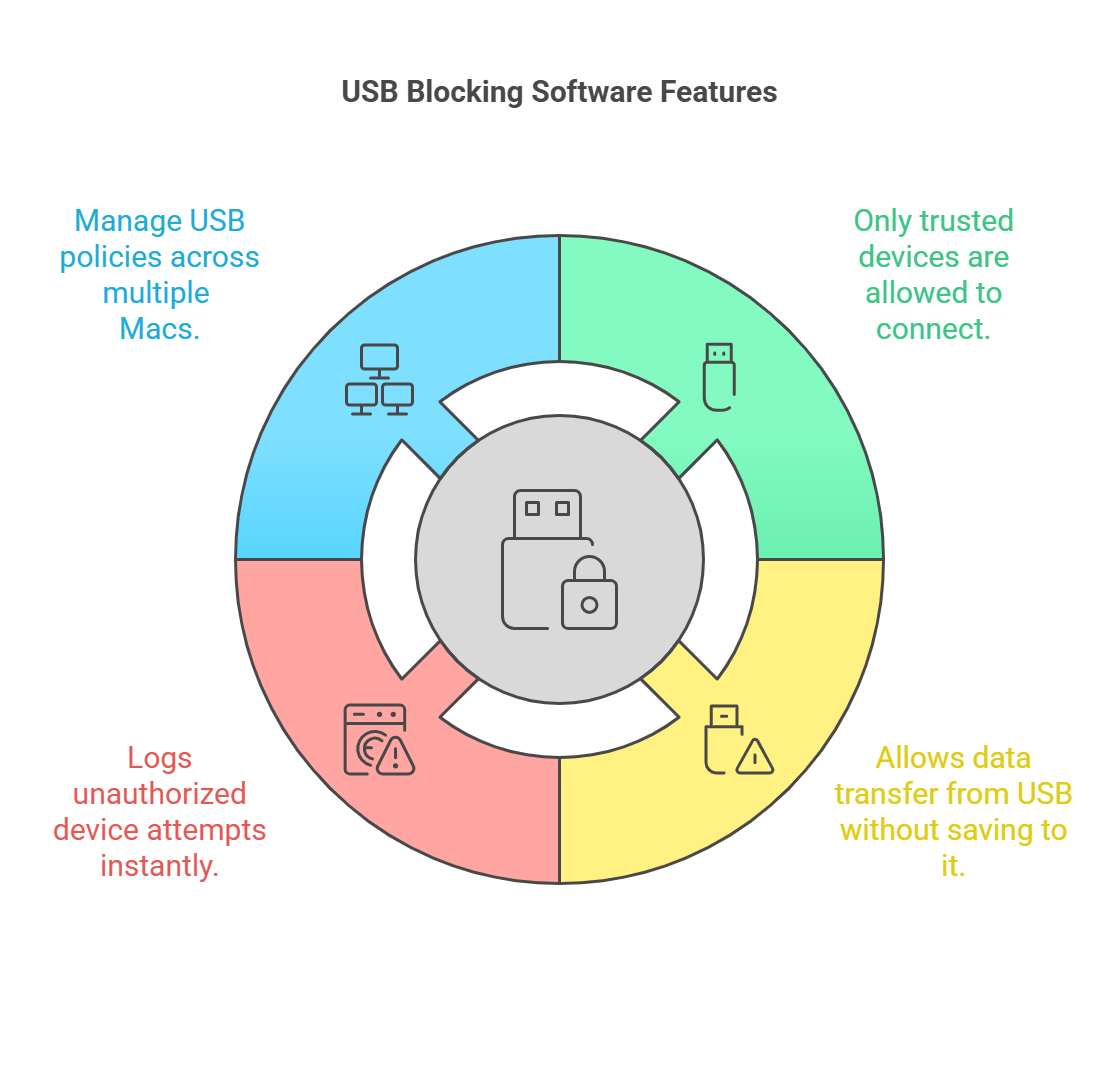
The magic of USB-blocking software lies in its customization. Here’s how it works:
- Device approval: Only allow trusted USB devices to connect. Everything else is blocked automatically.
- Read-only mode: Allow data transfer from a USB but prevent any data being written to it.
- Real-time monitoring: Unauthorized device attempts are logged in real-time, providing you with immediate visibility into any security breaches.
- Centralized management: For businesses, manage USB policies across multiple Macs from a single dashboard.
With these features, USB-blocking software secures your Mac and empowers you to control your data fully.
Need for USB blocking software for Mac devices
1. Data breaches are at an all-time high
Did you know that data breaches cost businesses billions every year? USB devices are a major contributor. In fact, 51% of malware attacks in 2024 are specifically designed for USB devices, marking a nearly six-fold increase from the 9% reported in 2019.[1] That’s an alarming leap that underscores how critical it is to secure these often-overlooked entry points.
A tiny flash drive can hold gigabytes of sensitive information, and once it’s out the door, there’s no getting it back. Macs, despite their advanced security features, are not immune to these risks.
USB blocking software ensures that no unauthorized device can connect to your Mac, closing this glaring vulnerability before it becomes a disaster.
2. Uncontrolled endpoint vulnerabilities
Every USB port on your Mac is an endpoint, and every endpoint is a potential weak link. Think of it as a hidden trapdoor that hackers and malware can exploit. Once a USB device connects, it can bypass many of your Mac’s built-in security features.
With USB-blocking software, you seal these trapdoors, ensuring that only approved devices can access your system. It’s like adding an unbreakable lock to every USB port on your Mac.
3. Remote and hybrid work: The new norm
In remote and hybrid workspaces, Macs are often used outside the secure confines of office networks. Employees might plug in USB devices at home, in shared workspaces, or even in public places. Each connection is a potential risk.
USB-blocking software gives you control, no matter where your Mac is. Whether you’re working from a café or your living room, your data stays secure.
4. Compliance requirements: Protecting more than just data
If you handle sensitive information—be it client data, healthcare records, or financial details—compliance is a legal requirement. Regulatory standards like GDPR and HIPAA mandate strict data protection measures, including controlling physical access to data through USB devices.
USB blocking software helps you meet these requirements effortlessly. By tracking and controlling USB activity, you ensure that your Mac stays compliant while safeguarding your reputation.
5. Insider threats: The danger within
Here’s the harsh reality: not all threats come from outside. Insider threats—whether intentional or accidental—are a growing concern. An employee could connect a USB device to your Mac, copy sensitive data, and walk out the door.
USB-blocking software stops this in its tracks. By restricting USB access and monitoring activity, you can prevent data leaks before they happen.
6. Physical access: The simplest breach
Unlike sophisticated cyberattacks, USB-based breaches don’t require hacking skills. All it takes is physical access to your Mac and a malicious USB device. This makes USB ports one of the easiest entry points for data theft and malware.
By implementing USB blocking software, you eliminate this risk entirely. No device gets in without your permission—period.
What Veltar offers in USB blocking security
Veltar is a comprehensive endpoint security solution that unifies USB device management with advanced threat protection, ensuring your organization’s data remains secure across all endpoints. By integrating features like VPN tunnel, web content filtering, application control, and I/O device access control, Veltar provides a holistic approach to safeguarding your digital assets.
Veltar helps elevate USB security on Mac devices with advanced features that strike the perfect balance between flexibility and control.
Here’s a closer look at how Veltar simplifies and strengthens USB blocking:
Granular access policy configuration
Veltar gives IT admins the power to craft detailed access policies for USB devices, like PenDrive, Hard Disk Drive, and SD Card. From setting default access levels like Read & Write, Read Only, or Deny Access, to enforcing encryption requirements for storage devices, the software provides unmatched control.
For iPhones and iPads, Veltar allows admins to decide between full connectivity or complete denial, ensuring seamless integration with macOS. It’s not just about blanket rules—it’s about fine-tuned, device-specific configurations.
Customizable device access rules
Veltar allows the creation of unique access rules based on parameters like Product ID, Vendor ID, or Serial Number. Want to restrict access unless the storage device is encrypted? Done. Each rule is a custom solution to fit your security strategy.
Real-time monitoring and enforcement
Veltar doesn’t only monitor—it acts. With real-time enforcement, unauthorized USB devices are immediately blocked based on your predefined policies. IT admins can also configure blocking behavior, choosing to either silently block access or display a custom alert to the end user.
Custom alert messages can include a More Info button that redirects users to a specified URL for further guidance, making policy enforcement both effective and user-friendly.
Advanced user scope management
Veltar’s user scope settings ensure that policies apply exactly where they’re needed. Admins can target specific user accounts, including Standard Accounts, Administrator Accounts, or even individual local users. Whether it’s an enrolled user or all accounts on a device, you’re in complete control.
Access restrictions with flexibility
Want to limit USB access during work hours only? Or maybe restrict access based on IP addresses? Veltar makes it easy. IT admins can define access restrictions based on:
Day and Time: Configure schedules with start and end times, including time zone settings.
IP Address Ranges: Allow access only within specific IP ranges, ensuring that devices remain secure outside designated networks.
Comprehensive logging and insights
Veltar tracks everything. Detailed logs provide valuable insights into device usage, helping businesses stay compliant with data protection regulations while identifying potential security gaps.
Secure your Mac, protect your data
USB ports may seem small, but the risks they carry are huge. From data breaches to insider threats, the dangers of unprotected USB access are too big to ignore. But with USB-blocking software, you have the power to take control.
Veltar offers the perfect solution for Mac users, combining advanced features with user-friendly design. Whether you’re an individual safeguarding personal files or a business protecting sensitive data, Veltar has you covered.
So, what are you waiting for? Protect your Mac, secure your data, and say goodbye to USB-based threats once and for all.
Reference:


