

Scalefusion was built to manage the devices your business actually uses without forcing you into fragmented tools. We understand that as infrastructure evolves, your management platform should evolve with it.
That’s why we’re excited to introduce Apple TV management on Scalefusion.
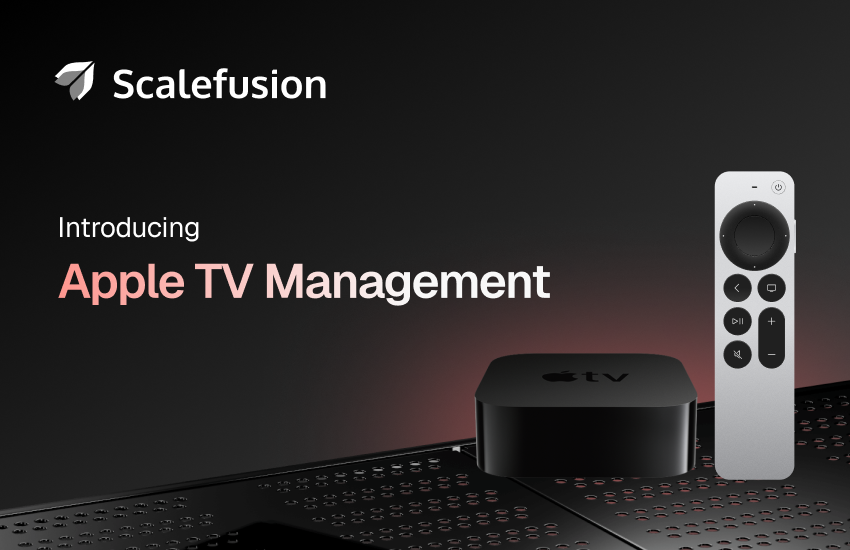
Apple TV gets the management it deserves
As more businesses started relying on Apple TV for critical operations, we saw an opportunity. IT teams were managing these devices, but often through workarounds: separate tools, manual processes, or just making do with what was available.
We wanted to bring the same simplicity we’ve built for other endpoints to Apple TV. Configure your fleet from one place. Push policies remotely. Monitor what’s happening across locations without jumping between systems.
With Apple TV management on Scalefusion, that’s exactly what you get. It’s about extending the command and visibility you already have to every screen your business runs on.
With Scalefusion Apple TV management, you can:
- Turn any Apple TV into a purpose-built display: Lock Apple TVs into Single App Mode for kiosks and digital displays. Set up conference room mode for seamless presentations. Design home screens that show only the apps your team actually uses. Your screens work the way you need them to.
- Remotely make the device floor-ready: Pre-configure Wi-Fi settings and push them remotely. Decide which iOS devices can pair with each device. Your Apple TVs arrive at their destination ready to connect and perform, with zero on-site setup required.
- Keep security in check: Govern AirPlay settings for each Apple TV. Set open access for meeting rooms, require a password for team spaces, or lock down public displays completely.
- Apply granular policies: Restrict device names, camera access, and network settings based on where Apple TVs are deployed.
- OS Update Deferral Controls: Control when new Apple TV OS versions become available to devices. Configure a delay period (in days) from the official release date before users can install the update.
Extend your management to Apple TV
With Scalefusion Apple TV management, Apple TV fits into your existing device management strategy. Configure devices remotely, maintain security standards, and keep operations running smoothly across every screen in your organization.
Ready to manage Apple TV with Scalefusion? Schedule a demo or get started with our 14-day free trial today!
Have any feedback? Reach us at support[@]scalefusion[.]com


