
Having the best multi-factor authentication (MFA) solution has become a must across organizations. It significantly reduces the threat levels, lowers the risk of a breach, and safeguards remote access for cloud, on-premises, and hybrid environments.
Stolen credentials, phishing attacks, and social engineering campaigns have made single-factor authentication one of the weakest links in enterprise security. As cyberattacks continue to evolve and bypass weak and legacy authentication protocols, a comprehensive MFA boosts an organization’s resilience to external threats.
Without further ado, let’s have a deeper look at how MFA works and compare the top MFA solutions side-by-side based on practical factors so that you can pick the solution which fits you the best.
What is MFA?
Multi-factor authentication (MFA) is a security process in which users must present two or more distinct factors to verify their identity before accessing an account, system, or application. By requiring multiple forms of identification, MFA makes it significantly harder for unauthorized individuals to gain access, even if one of the factors is compromised.
Instead of relying solely on a single form of authentication, such as a password, MFA combines multiple types of verification, such as passwords, security tokens, biometrics, and an authenticator app.
Now, to address the elephant in the room, is 2FA the same as MFA? Yes and no.
2FA is a subpart of MFA that limits the verification process to only 2 factors, primarily an additional factor after the password. When the verification uses more than two additional identity verification methods, then it is considered MFA.
Based on different use cases, 2FA is used for low-risk authentications, such as logging into the school network for attendance or an employee logging in for the day. MFA is widely used for high-value authentications in regulated industries such as banking, accessing company-sensitive information, and so on.
This distinction matters because multi-factor authentication (MFA) offers the flexibility to use additional layers of security beyond just two factors when needed.
Types of multi-factor authentication (MFA)
Based on the different factors for verification, MFA can be categorized into the following types:
- Knowledge-based authentication: This type of MFA is based on something the user knows, such as a password, PIN, or the answer to a security question.
- Possession-based authentication: This factor relies on what the user has, like a smartphone, physical security key, or smart card.
- Inherence-based authentication: This type uses biometrics, something the user is, such as their fingerprint, facial recognition, or iris scan.
- Location-based authentication: This type of MFA utilizes the user’s physical location for granting access. Under it, an employee might only be allowed to access certain resources when connected to the company’s secure Wi-Fi network.
Top multi-factor authentication (MFA) providers
1. Cisco Duo
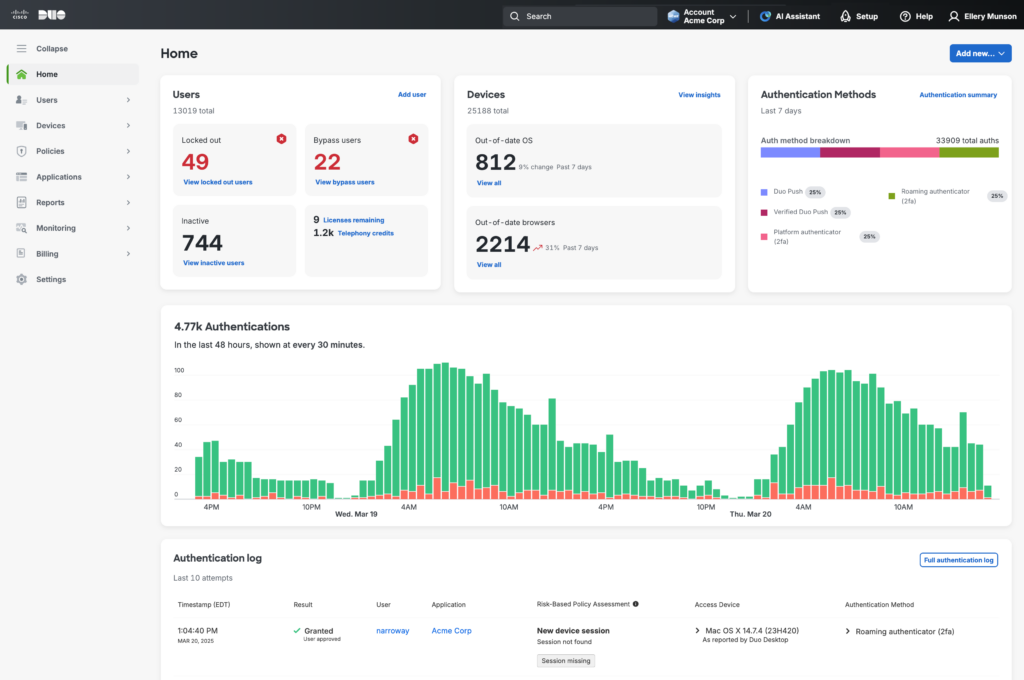
Cisco Duo MFA solution protects access to applications and data across various environments with a strong emphasis on simplicity and user experience. It uses several authentication methods, including push notifications, biometrics, tokens, and passcodes, ensuring flexibility without sacrificing security.
The key strength of the Duo Mobile app is its user-friendly authentication experience. Through Duo Push notification, users can approve to confirm their identity or deny to block an unfamiliar attempt.
A major shortfall of Cisco Duo is that you’ll need to supplement Duo with additional tools, including paid add-ons to access advanced analytics and reporting features.
Cisco Duo is ideal for organizations that prioritize ease of use and want to deploy MFA quickly without a lot of complexity. It’s suited for small to medium-sized businesses that need strong authentication but don’t require comprehensive identity management features.
Pricing: Starts at $3/month per user at the base tier
G2 rating: 4.5
2. Okta MFA
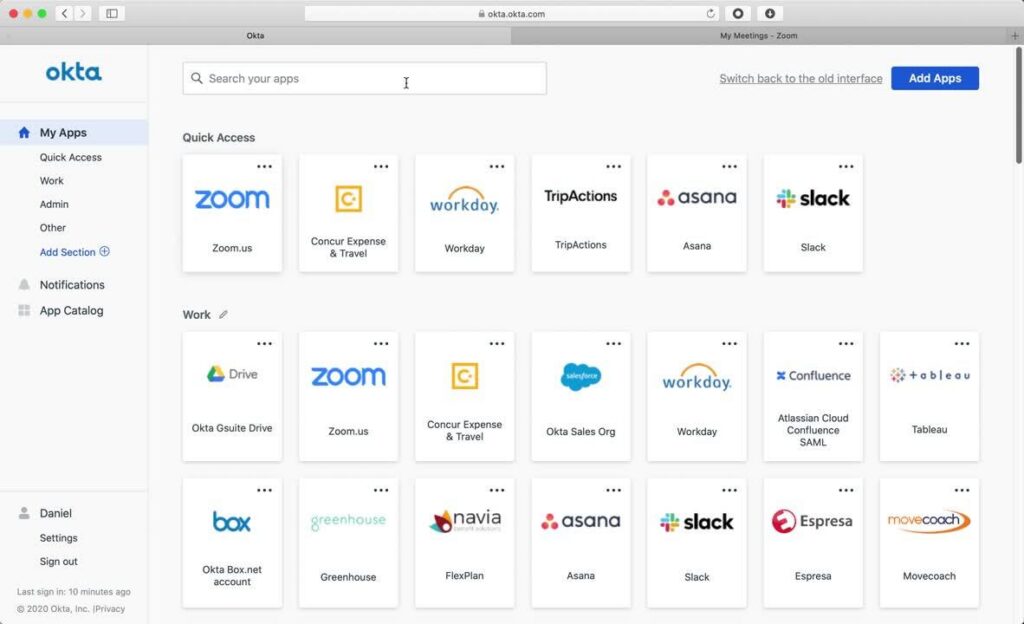
Okta Adaptive MFA leverages a risk-based approach and analyzes user and device context. It is capable of dynamically adjusting authentication requirements to balance security with usability.
Okta’s biggest strength is that it provides a robust integration ecosystem that includes thousands of pre-built connections to web apps through standard protocols and APIs. This allows organizations to deploy MFA across their devices without extensive custom development.
However, taking advantage of Okta’s adaptive policies can be complex and require initial configuration. This can be a challenge for smaller organizations without dedicated IT security staff, who might find the learning curve steep.
Okta offers multiple pricing tiers, valuable features that sit in the higher-priced tier, which can add up quickly to be rather expensive.
Pricing: Contact the sales team for a quote.
G2 rating: 4.5
3. Scalefusion OneIdP MFA
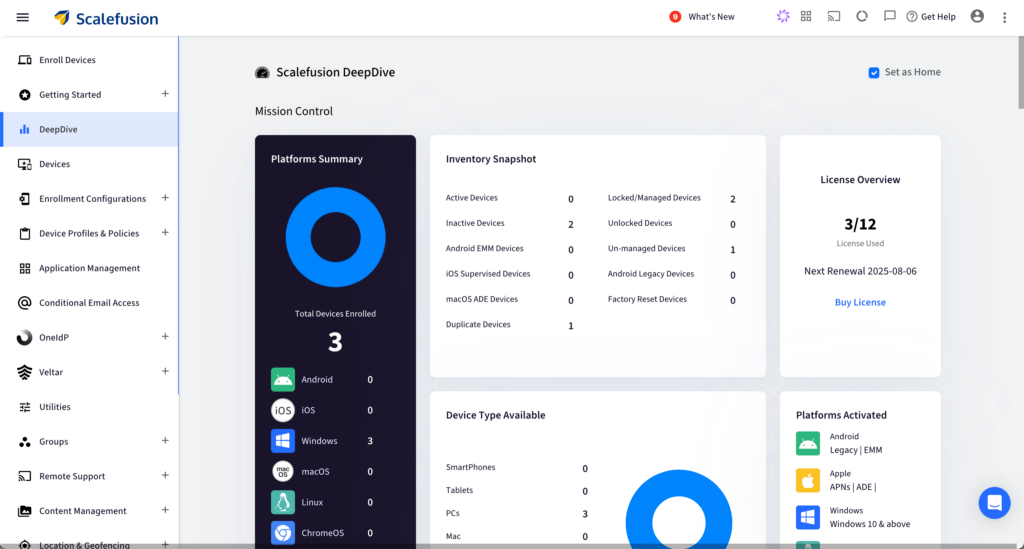
Scalefusion OneIdP MFA enforces conditional access by leveraging UEM-driven zero trust principles to ensure that only compliant, managed devices can have access to corporate emails and work apps. It is the only contextual access management platform built on UEM for a fully secure zero-trust model. In layman’s terms, this means that OneIdP utilizes the UEM device signals to determine the predefined factors, such as device health, IP address, and location, to verify user access. Along with all standard types of MFA, OneIdP also provides:
- Flexible MFA options: Support T-OTPs, email verification, and third-party authenticators.
- Adaptive MFA: Trigger additional verification only when risk factors( location, network type, device state) are detected.
- Offline MFA: Allow OTP-based verification even without internet access.
With an in-built UEM integration, Scalefusion OneIdP enhances security understanding, ensuring effortless, native enforcement of zero trust access policies. It brings together single sign-on, adaptive authentication, conditional access, and audit-ready reporting.
OneIdP works across Windows, macOS, Linux, iOS, Android, ChromeOS, and integrates with cloud apps like Microsoft 365, Google Workspace, and custom enterprise applications for all fleet sizes effortlessly.
Pricing: Request the pricing model through their 24/7 support.
G2 rating: 4.7
4. Microsoft Entra ID
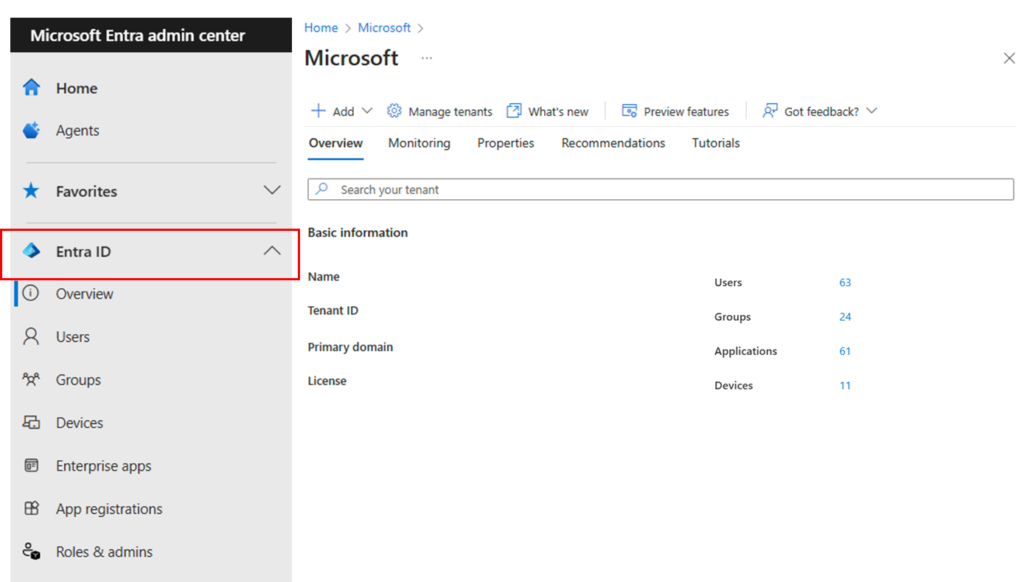
Microsoft Entra ID (formerly Azure AD) offers an advanced MFA solution with comprehensive identity and access management capabilities. As part of the Microsoft Entra family, it provides a wide range of user authentication methods and features for securing access across cloud, on-premises, and hybrid environments.
The biggest strength for Microsoft Entra ID is that most organizations are familiar with the Microsoft ecosystem. It deeply integrates with Microsoft 365, Azure, and other Microsoft services, allowing for MFA implementation with minimal friction.
A majority of Entra ID’s strongest features, such as risk-based conditional access, require higher-tier licenses. This steep pricing, combined with complex setups, especially when configuring or integrating non-Microsoft applications, can be taxing on inexperienced IT staff and smaller organizations. Performance also starts dropping drastically for organizations outside the Microsoft ecosystem with limited non-Azure integrations.
Microsoft Entra ID is most suitable for organizations already using Microsoft 365, Azure, or other Microsoft services extensively.
Pricing: Starts at $6 per user per month at the lowest tier.
G2 rating: 4.5
5. Ping Identity
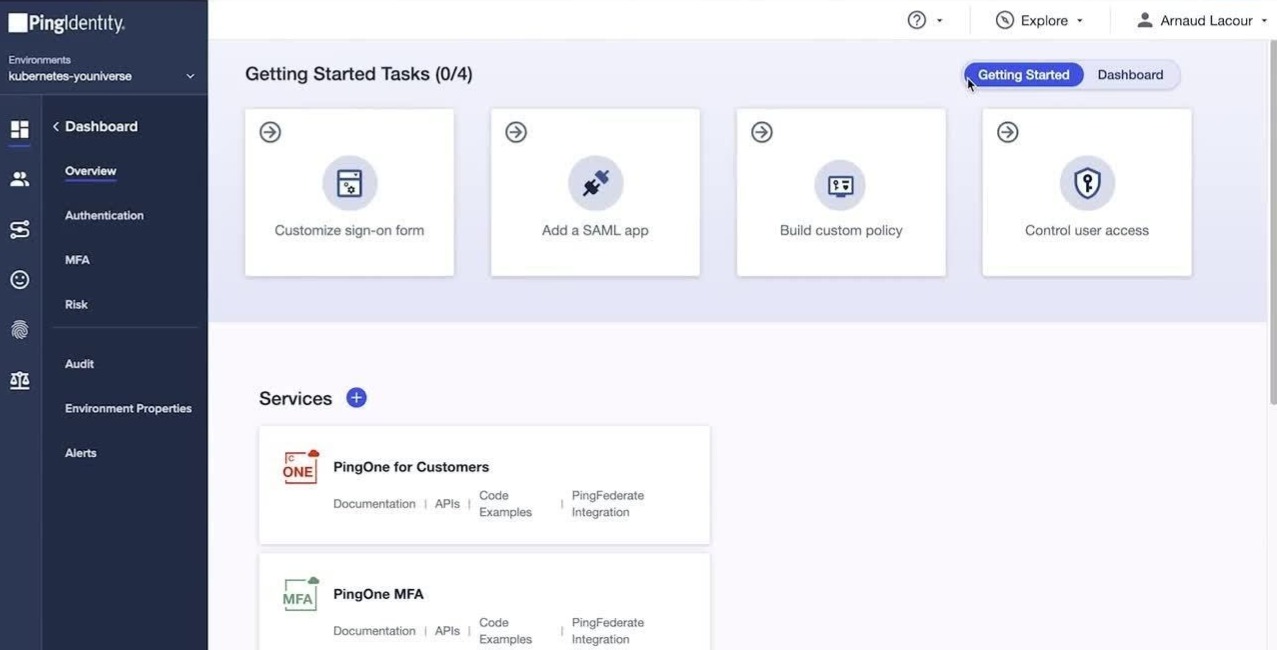
Ping Identity offers MFA solutions through PingOne for customers and PingID for employees and business partners. It provides adaptive and risk-based authentication to balance security and user experience.
Ping Identity’s MFA solution is preferred by enterprises with extensive partner ecosystems and legacy federation requirements. This is because of its unique capability of handling intricate identity flows without compromising standards compliance or deployment flexibility.
While PingID is straightforward with its pricing, PingOne annual contracts start at a high entry point, making it inaccessible for smaller organizations. When coupled with the platform’s complex implementation, which may require dedicated IT resources to deploy effectively, it turns out to be an expensive MFA solution.
Ping Identity is best suited for large organizations that need separate, specialized solutions for employee and customer identity.
Pricing: Contact the sales team for a quote.
G2 rating: 4.4
Here’s a brief overview comparing all the MFA solutions:
| Company | Key feature | Best for | G2 rating |
| Cisco Duo | A straightforward MFA that’s easy to deploy | Small to medium-sized organizations looking for a simple MFA solution | 4.5 |
| Okta | Offers a wide range of authentication factors, thousands of integrations, and adaptive policies | Massive organizations looking to secure access across thousands of applications with risk-based authentication | 4.5 |
| Scalefusion OneIdP | Contextual access management platform built on UEM for a fully secure zero-trust model | Organizations of all sizes with varying security needs | 4.7 |
| Microsoft Entra ID | Simple integration with the existing Microsoft ecosystem | Organizations that use the Microsoft suite extensively | 4.5 |
| Ping Identity | Capable of handling intricate identity flows without compromising standards compliance or deployment flexibility, separately for employees and customers | Organizations needing separate workforce and customer identity solutions | 4.4 |
Factors to consider when choosing the right MFA solution
While each MFA provider has its own unique strengths and pitfalls, choosing the right one can be the make-or-break decision for an organization. Here are some key factors to consider when picking the best MFA solution:
1. Capabilities
Examine each platform’s authentication methods, integration options, and unique features. Prioritize providers that offer flexibility in how users authenticate and the level of security provided across workflows.
2. Matching the needs
Not every organization needs the highest levels of MFA methods applied across hundreds or thousands of devices. Small and medium-sized organizations prioritize cost and simplicity, while enterprises require federation, adaptive policies, and IoT coverage. It is important to evaluate the needs of organizations with the offerings of the MFA software so that the solution is neither overbearing nor too bare minimum.
3. Compliance verifications
Many organizations are required to meet certain compliance levels and certifications, such as GDPR, PCI-DSS, HIPAA, and any sector-specific regulations. Cross-check whether the MFA solution provider’s vendors can provide clear, current third-party assurances of their security posture and regulatory readiness, along with detailed audit logging capabilities.
4. Pricing
Based on the services offered by the MFA solution, they are priced into different tiers. It is very important for organizations to pick an MFA solution that fits within their allotted budgets so that it doesn’t turn into a burden down the line. This should be considered with a long-term mindset so that there is no need to switch to a different provider in the future and go through the adoption process again.
5. Integration
Reduce IT load and downtime by picking an MFA solution that offers prebuilt APIs and integrations with the applications and services your business already uses. This makes implementation much smoother and ensures compatibility throughout the organization.
6. Scalability and cost
As time passes by, the organization and the number of devices are bound to increase with evolving needs. Thus, the MFA solution should be able to scale and adapt accordingly. Look for providers that offer the flexibility to accommodate changes in the workforce, such as adding new employees, modifying access policies, or integrating with new applications.
A layered protection for a stronger, secure structure
With single password authentication models being obsolete, adopting a comprehensive MFA solution is the call of the hour. A through-and-through MFA solution helps the company continue to scale and function without having to worry about security risks at every other turn.
Scalefusion OneIdP provides an extensive MFA solution that can be tailored to the specific needs of an organization and fit seamlessly into existing workflows, ensuring that there is no lapse in productivity.
Enhance your authentication process by adding diverse, stronger verification layers with OneIdP.
Sign up for a 14-day free trial now.
FAQs
1. What are the benefits of using MFA?
MFA bolsters the security posture of the organization by reducing the risk from compromised credentials and adding varied layers of authentication that are significantly harder to bypass.
2. Is 2FA the same as MFA?
No. Two-factor authentication (2FA) is a specific implementation of multi-factor authentication. It always requires an additional factor to support a password, such as a one-time code or push notification. MFA can expand this further by utilizing additional factors such as biometrics, T-OTP, or authenticator applications.
3. What are the risks of not using MFA?
Without an MFA, the threat surface area expands drastically, and the system becomes more prone to traditional phishing and credential stuffing attacks.
4. How do I choose the best MFA solution for my business?
Choosing the best MFA solution requires cross-checking certain factors such as integration, user experience, compliance, and cost of the solution against the organization’s needs.

